01
Edit and resend
Change an earlier prompt and send it again.
 Vinaa
Vinaa Vinaa feature tour
Choose a feature below to learn more about what it does and how it can help you.
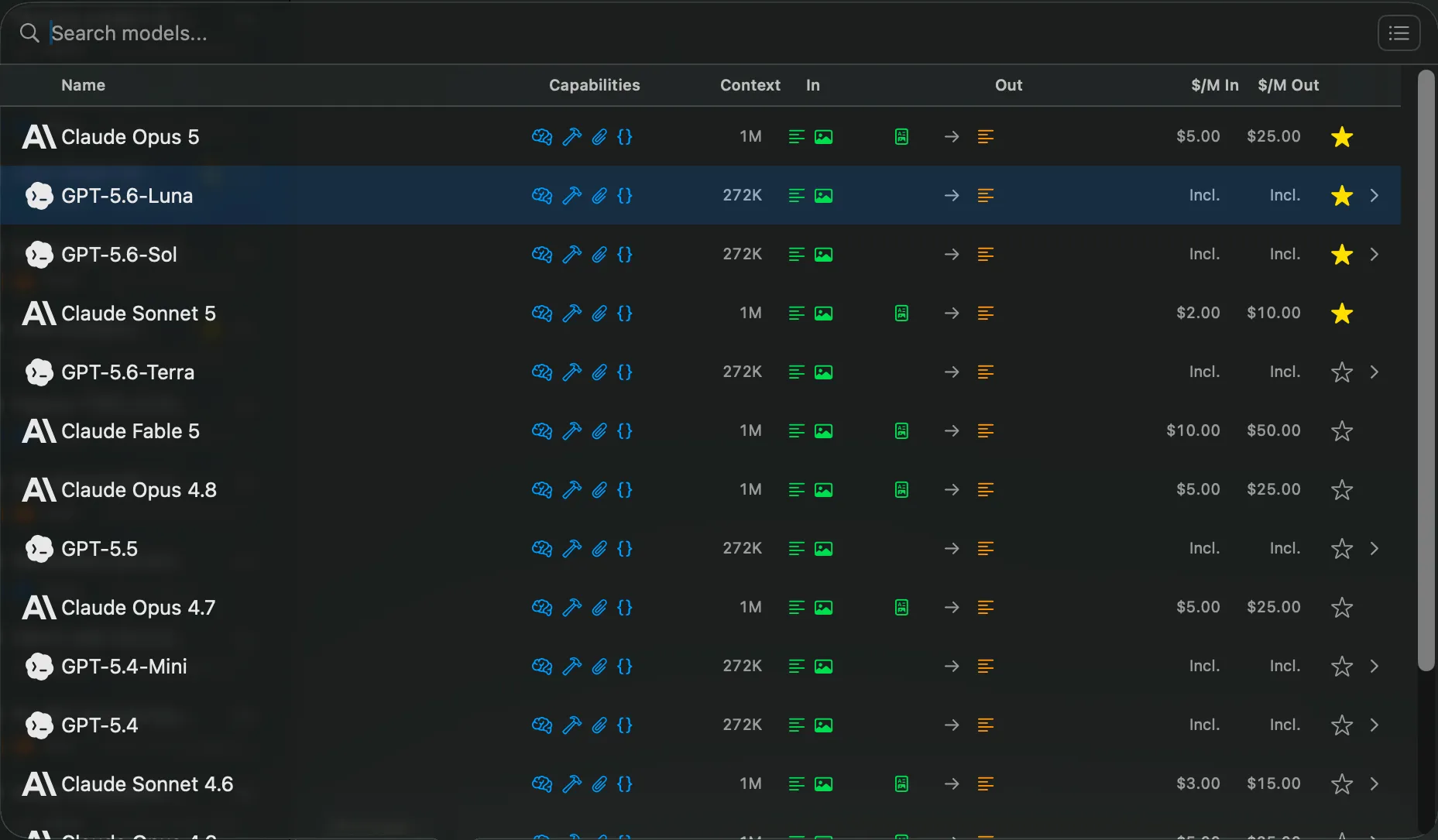
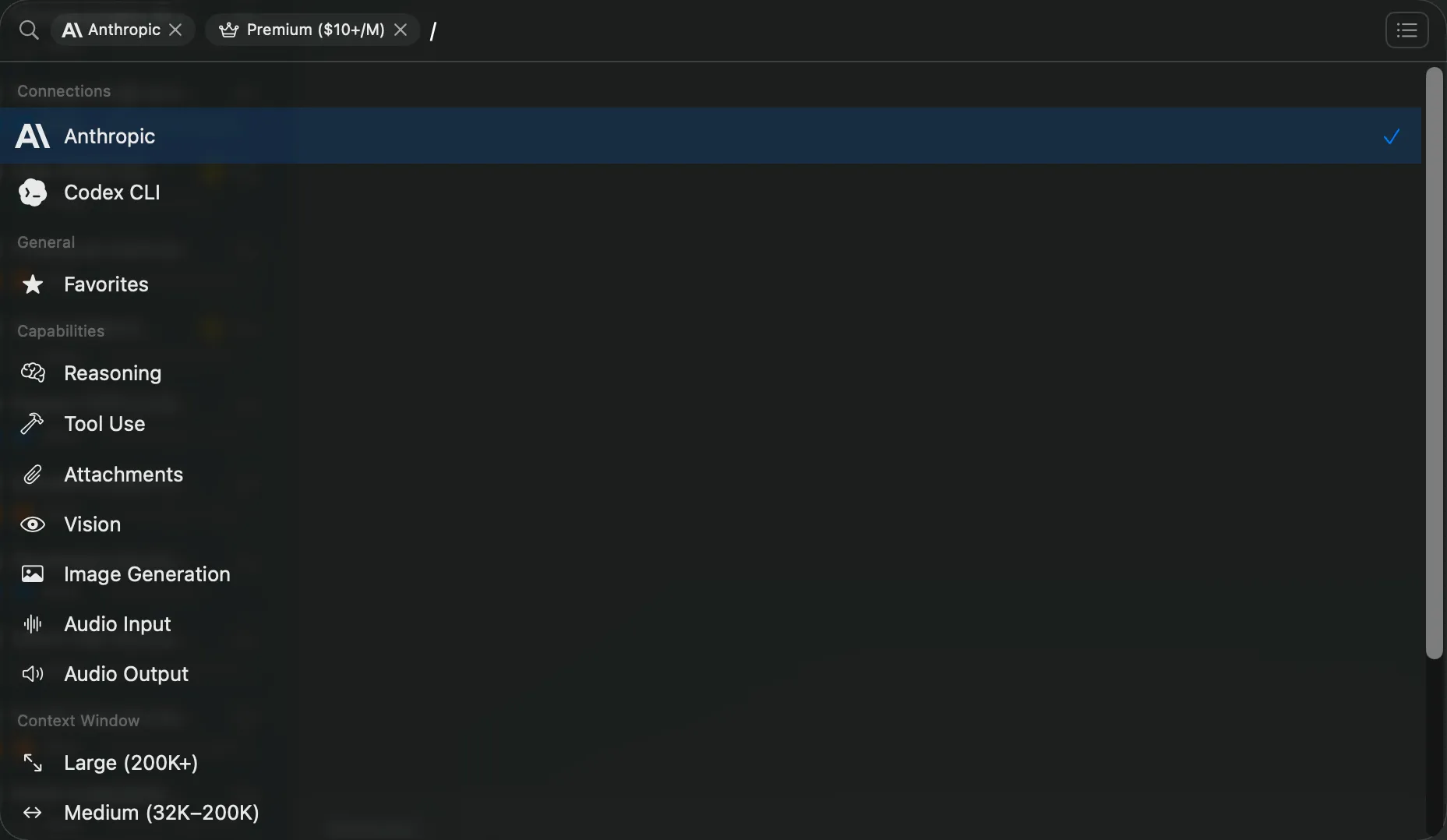
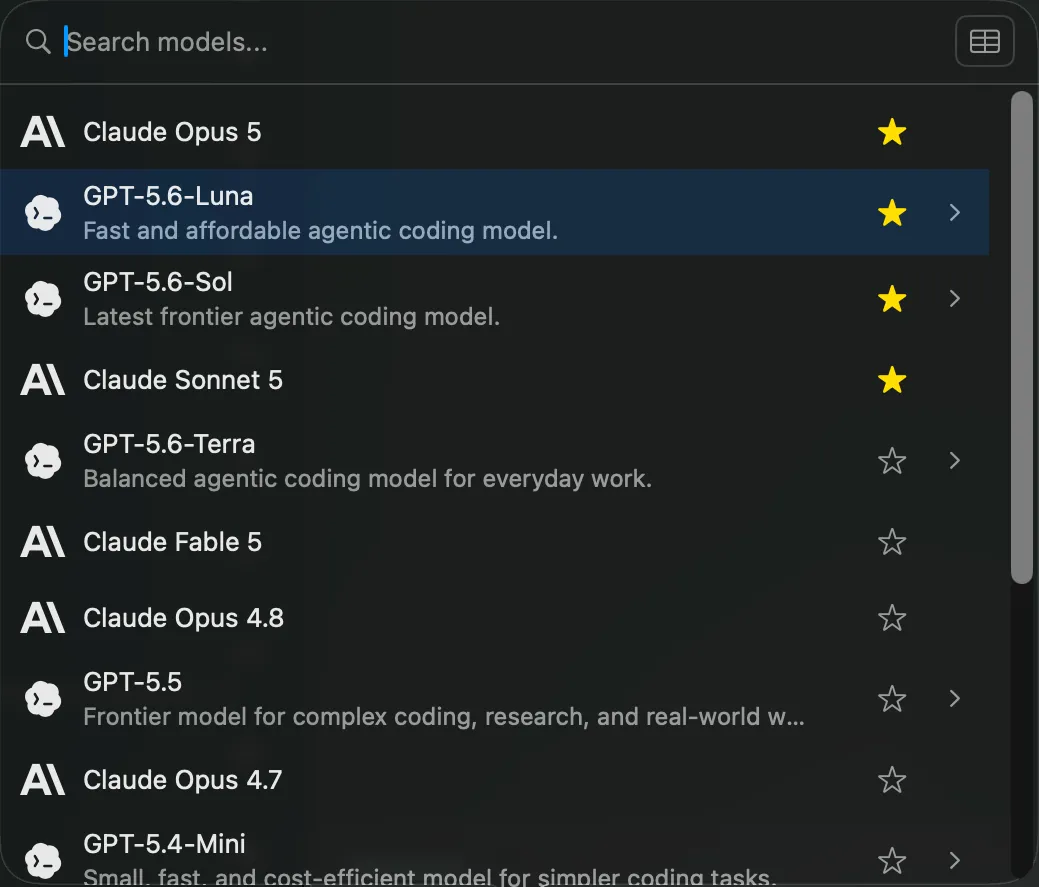
Vinaa brings your cloud and local models together in one clear list.
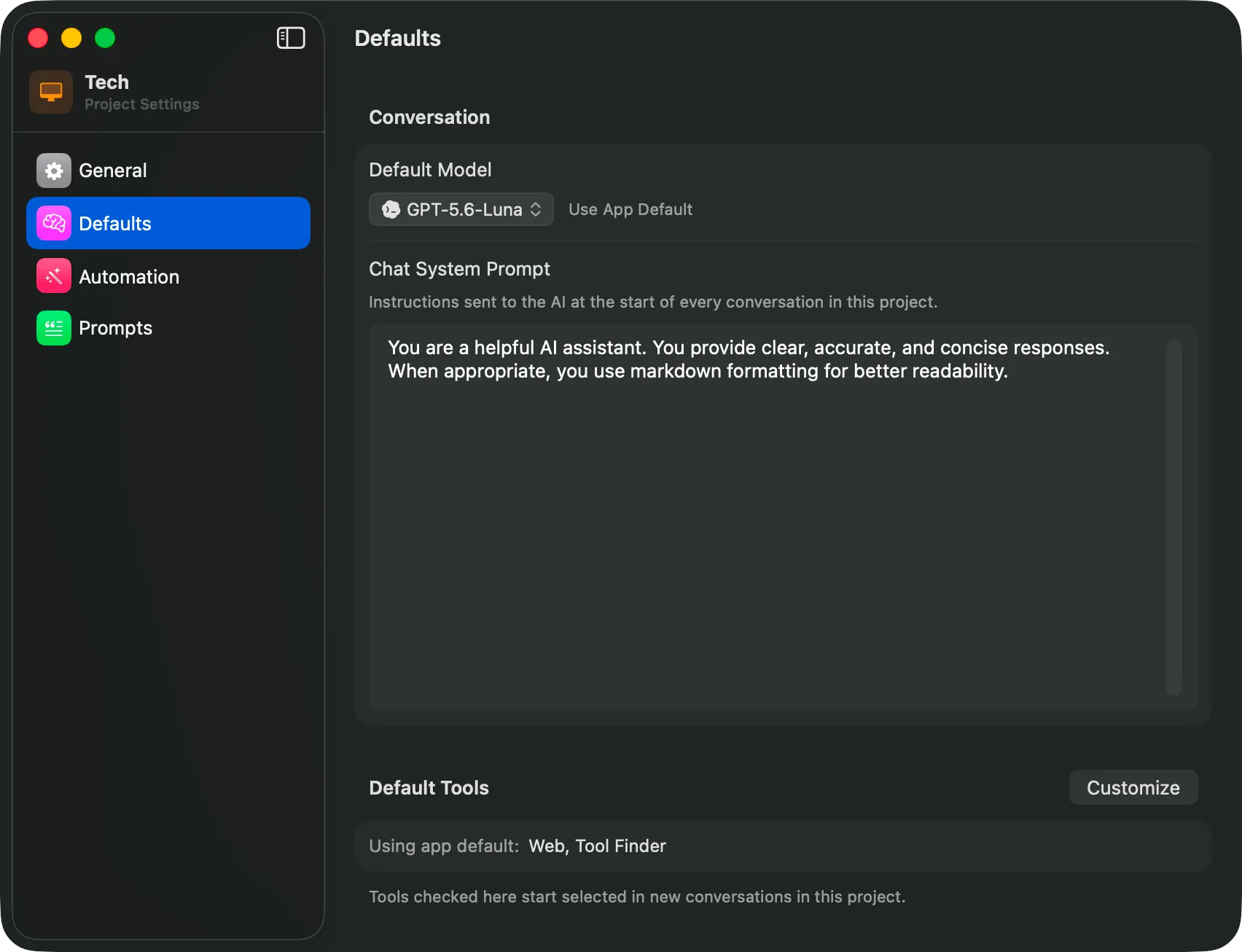
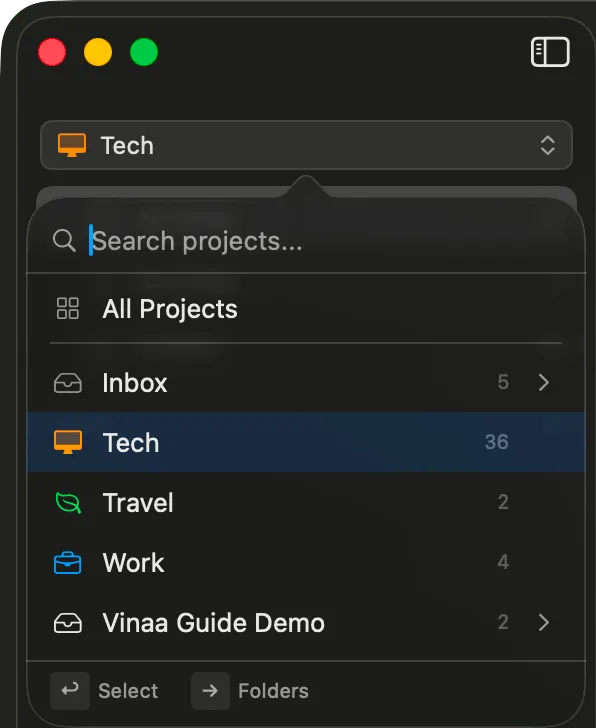
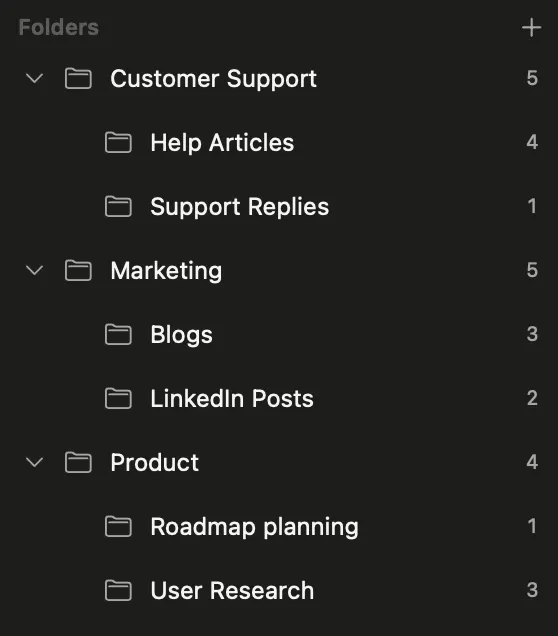
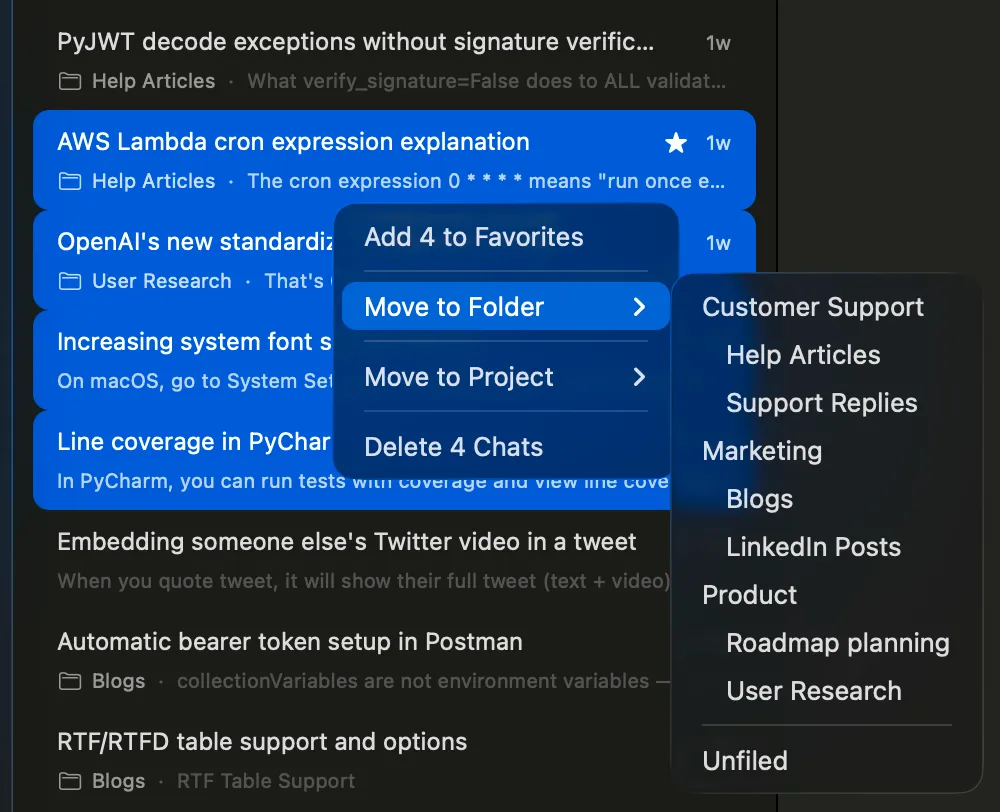
See all your projects, folders and chats in one sidebar, or focus a window on one project.
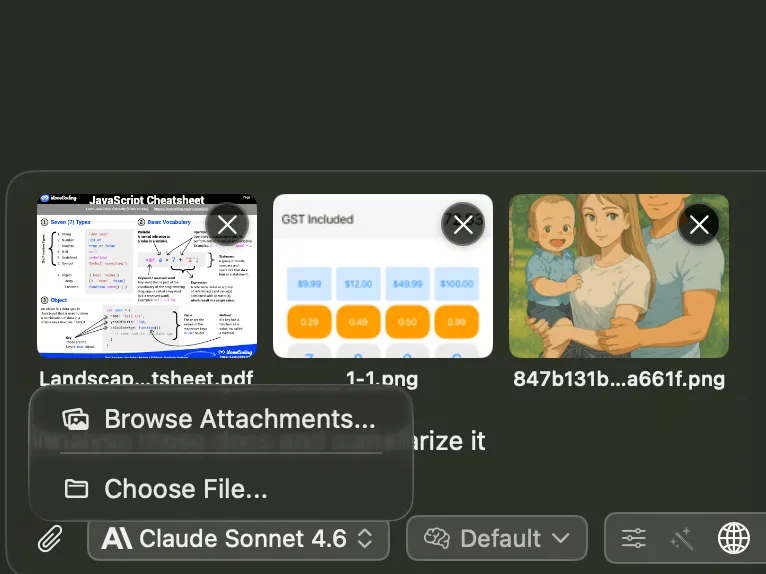
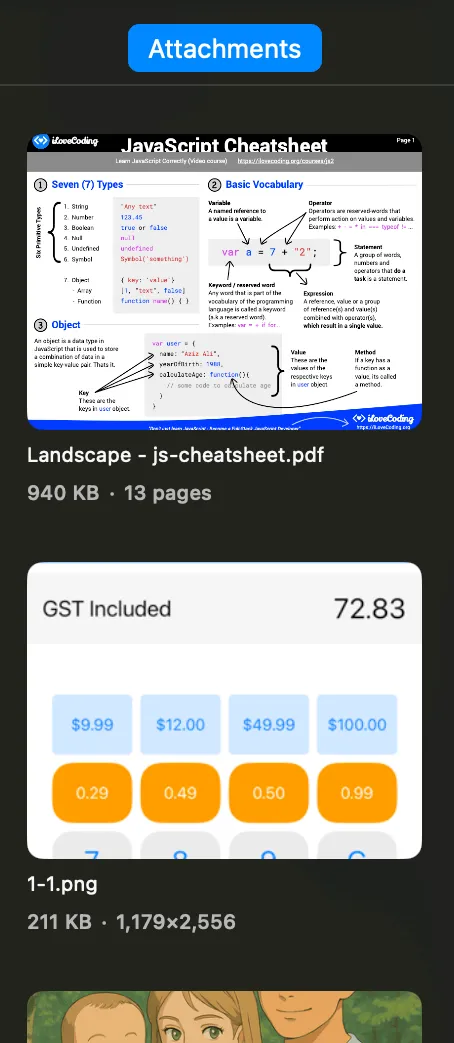
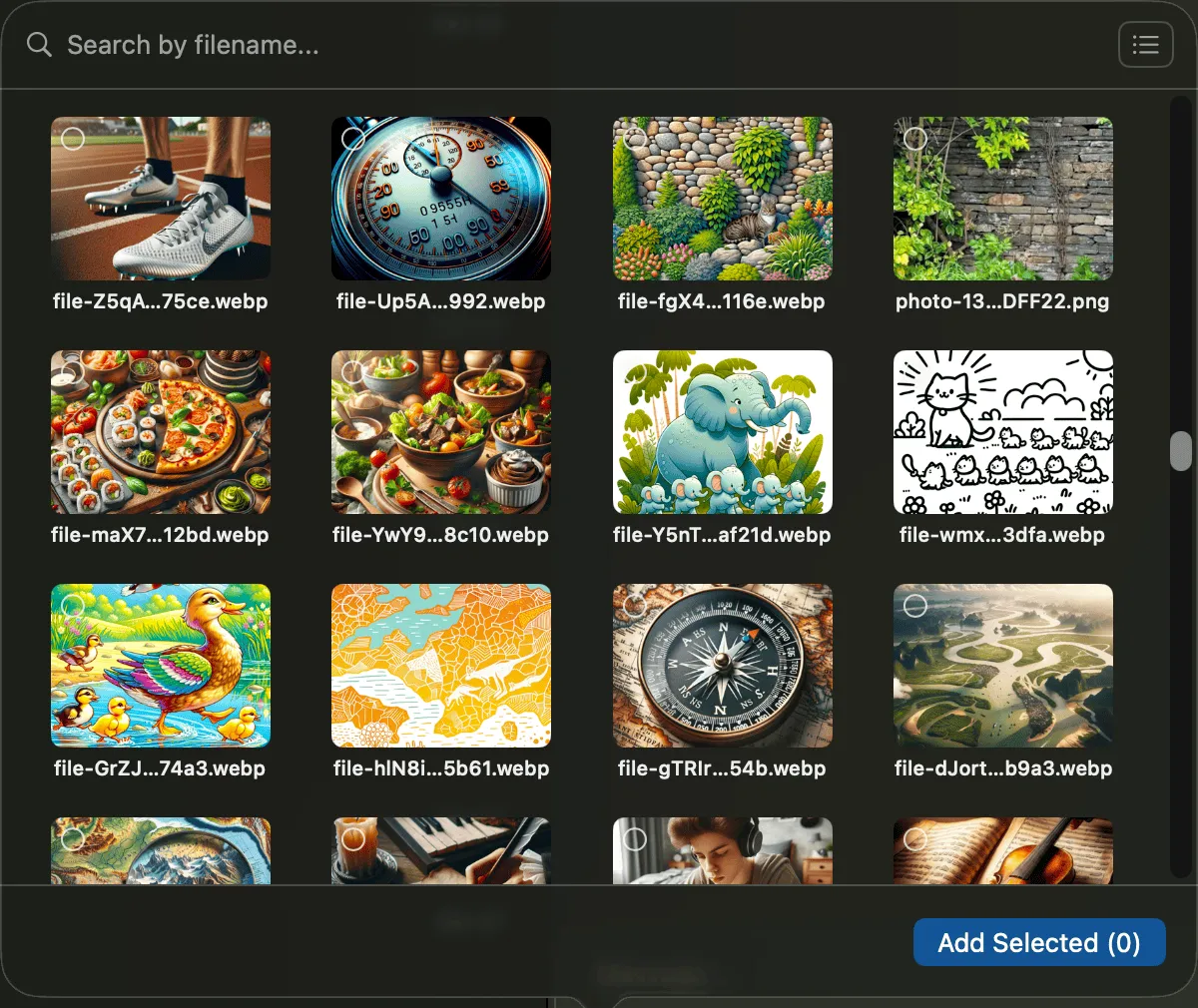
Attach files to give your chat context, or use files from earlier conversations.
Move between projects and conversations without losing your place.
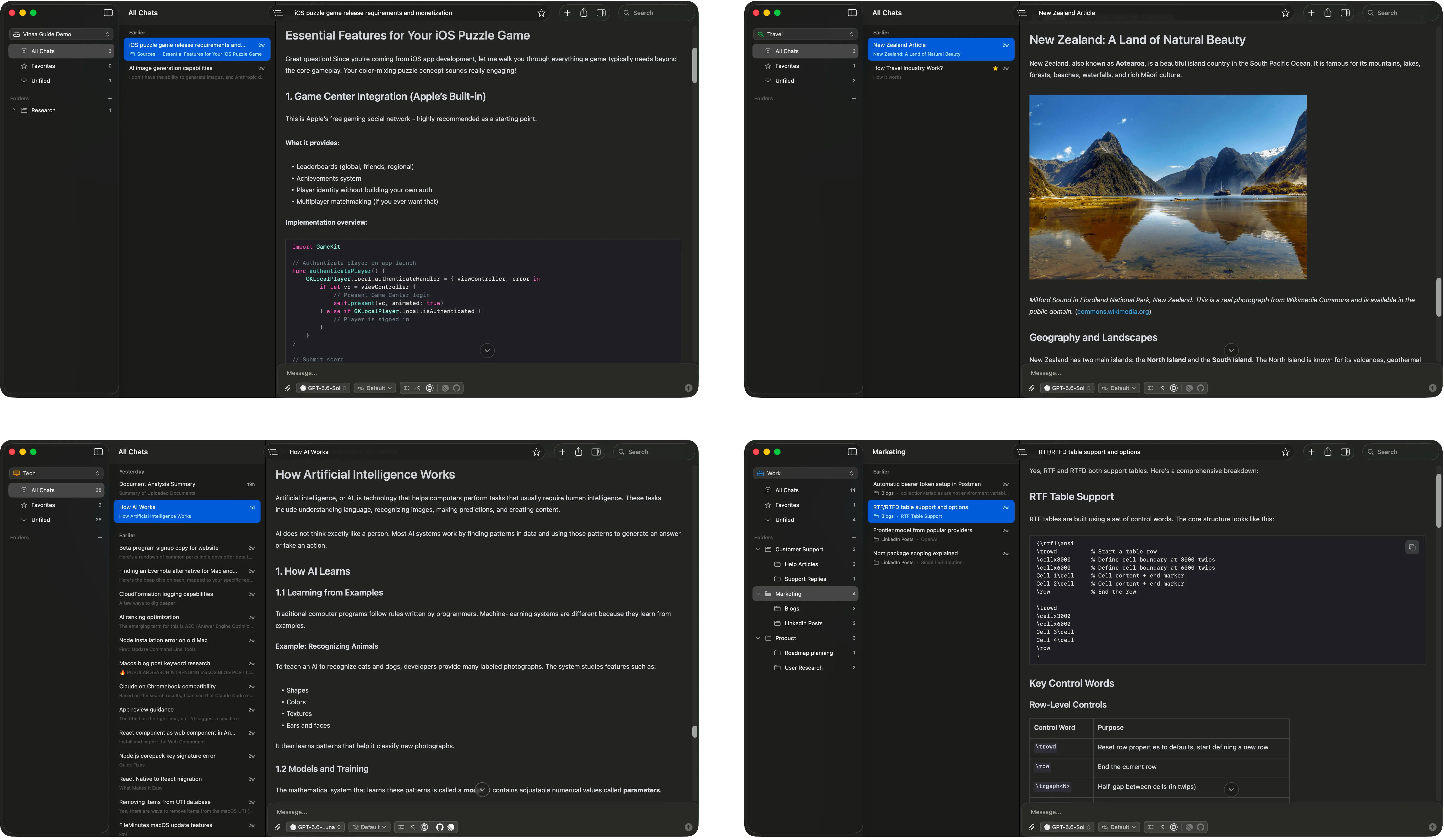
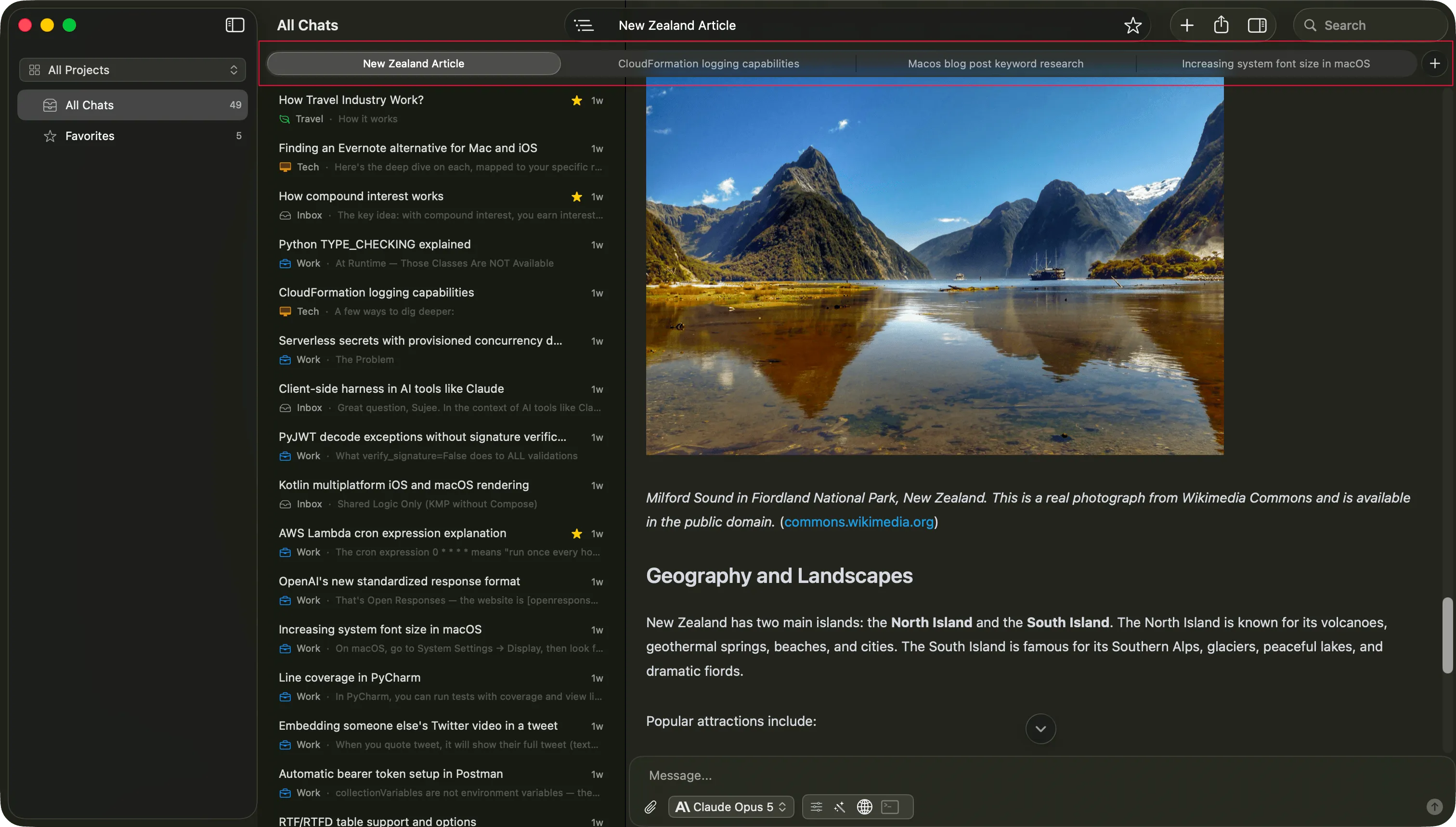
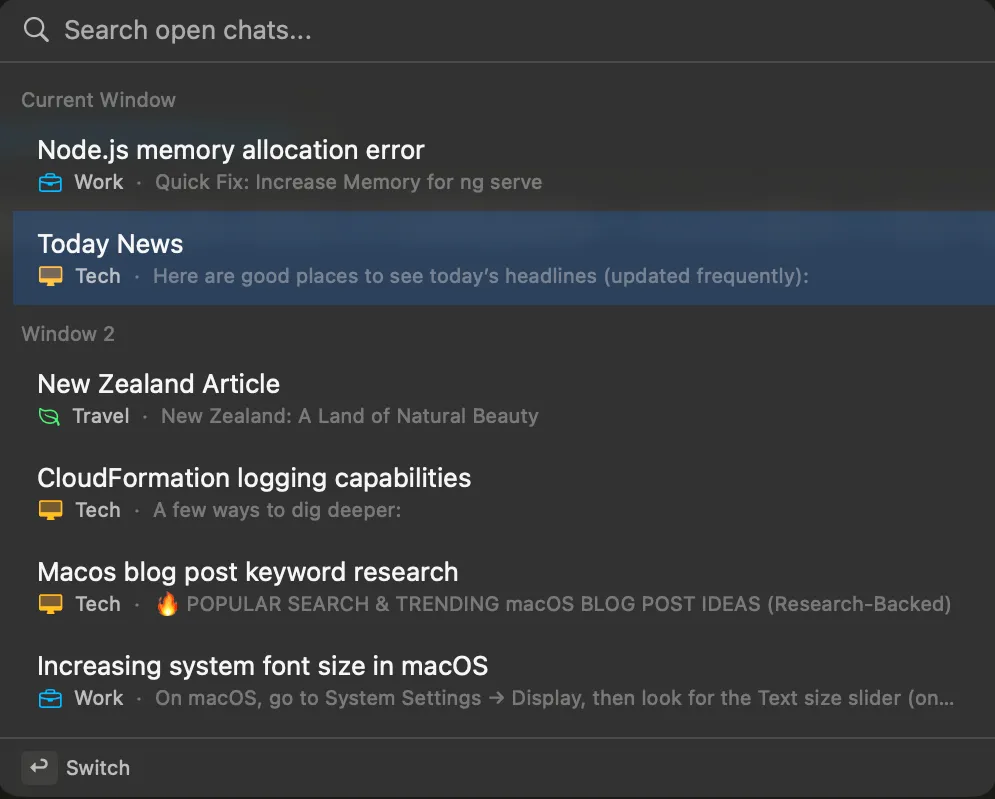
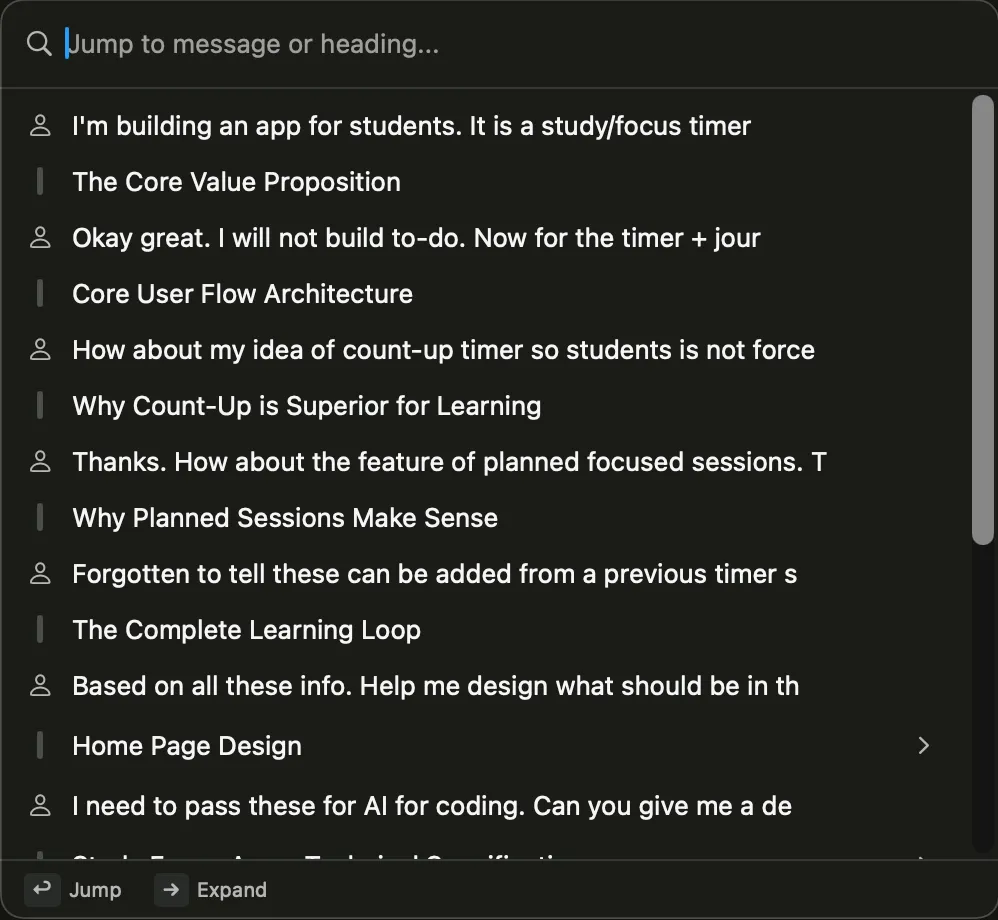
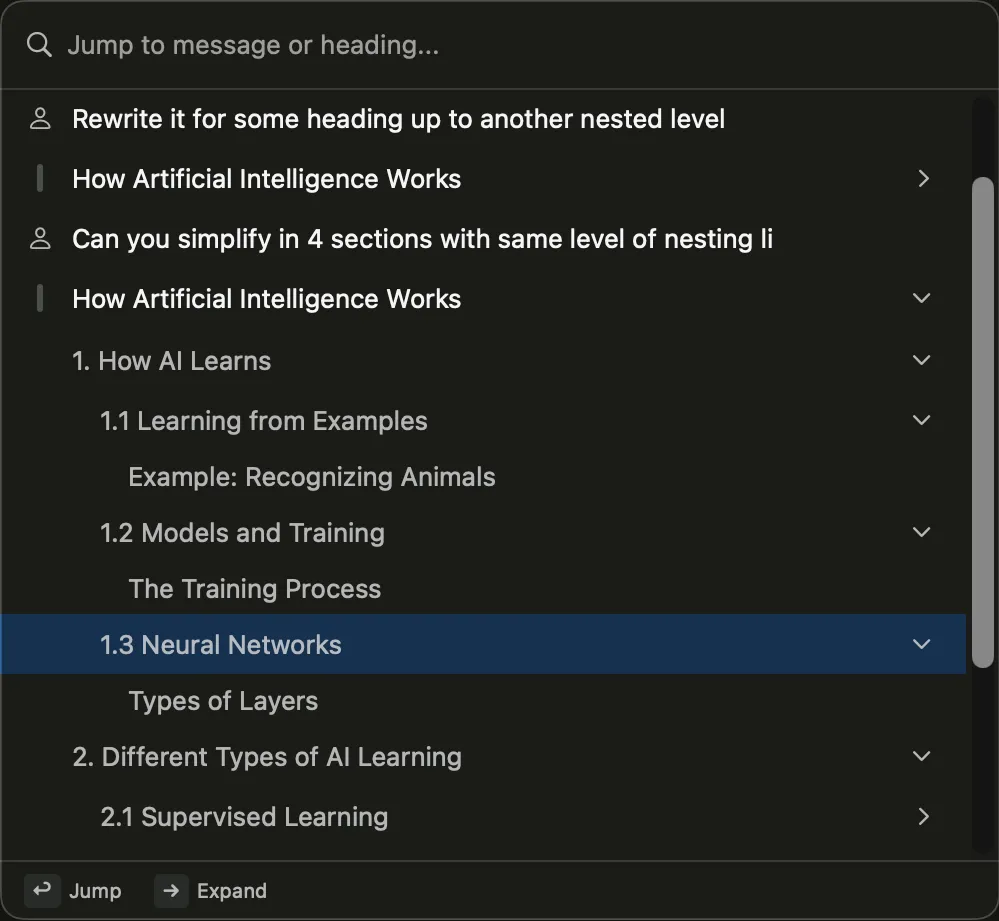
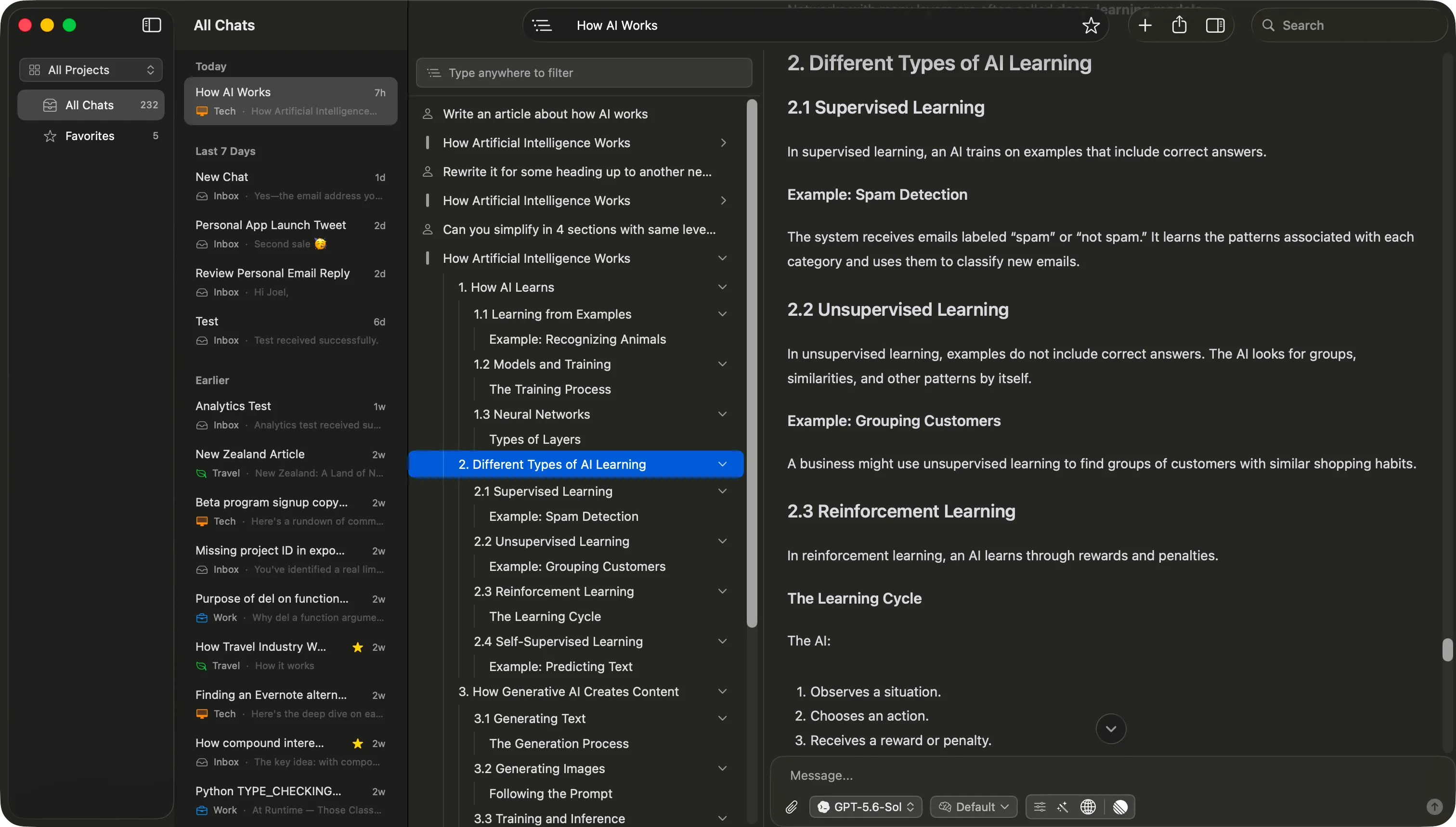
Navigate long conversations by jumping directly to any message or heading.
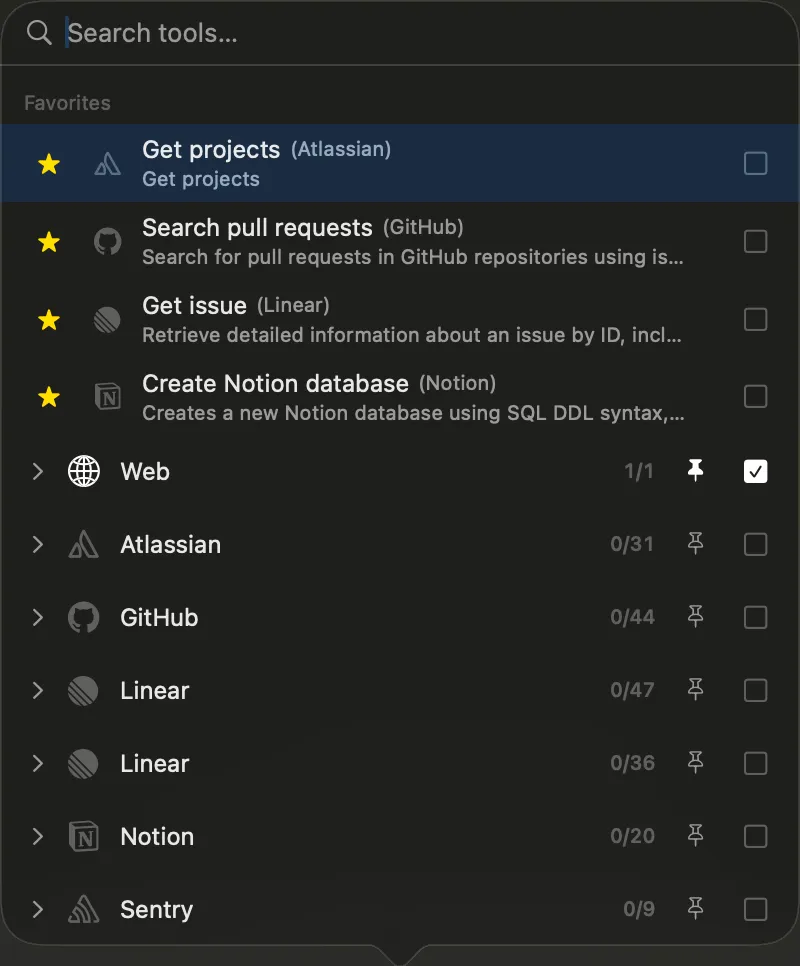
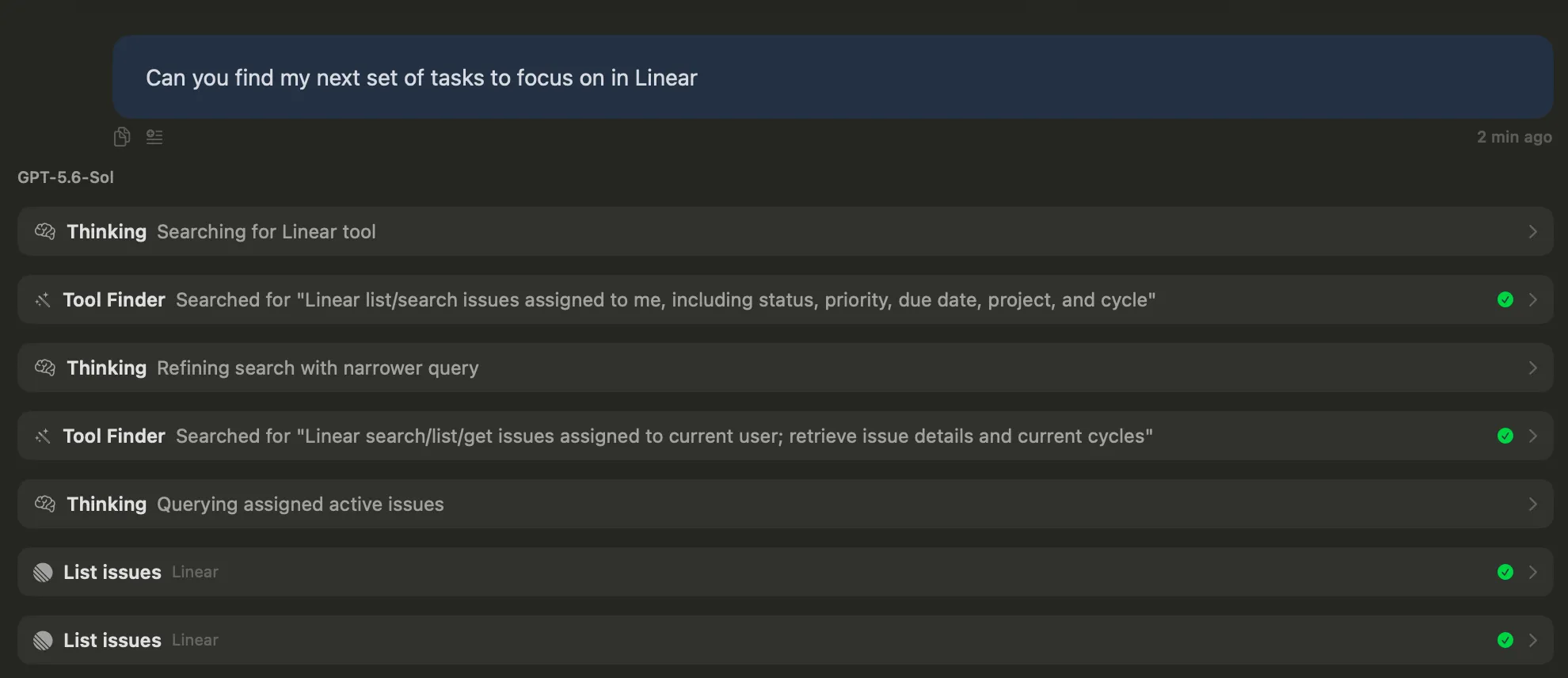
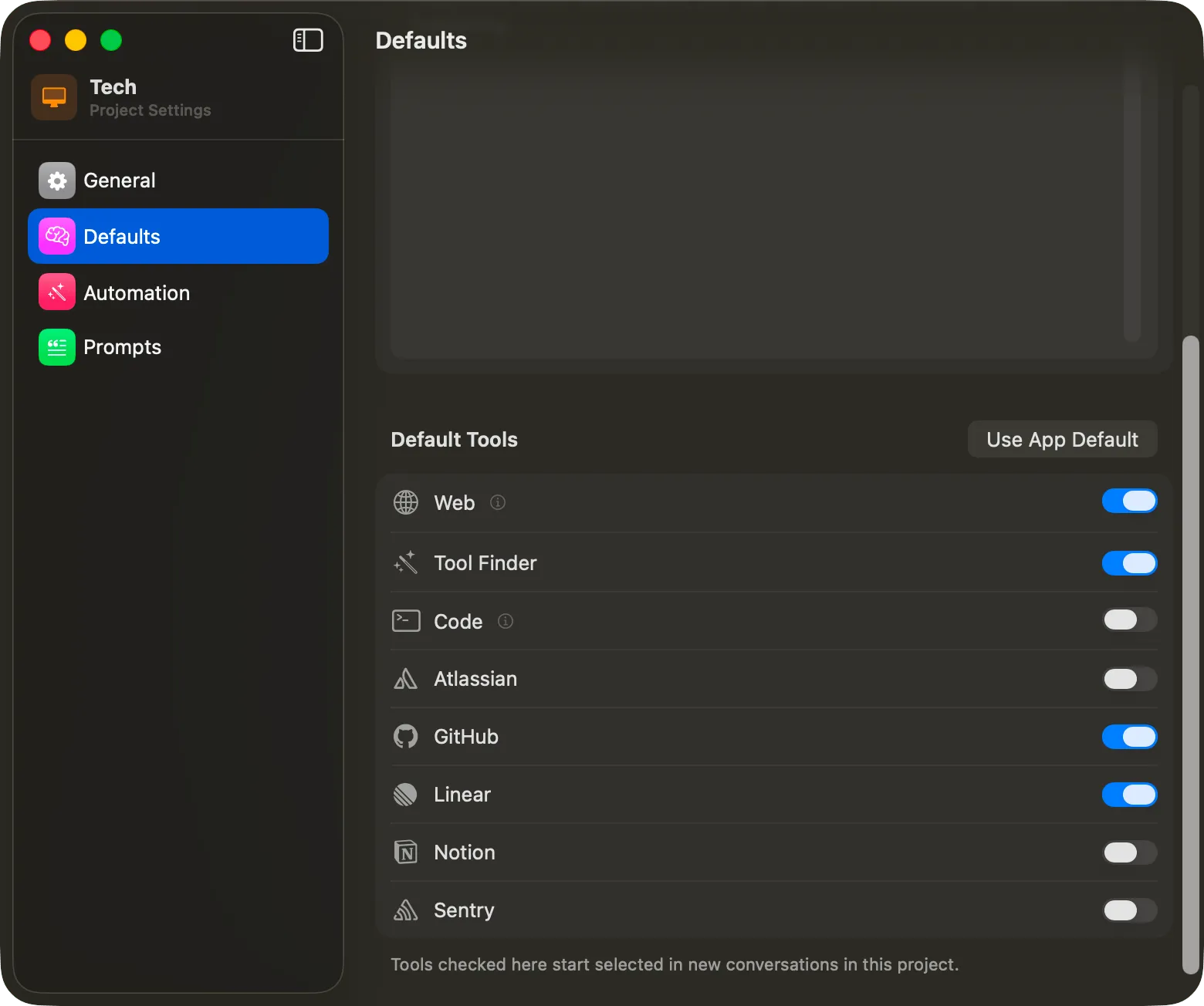
Search the web, connect services through MCP, and let Vinaa work through tasks with your tools.
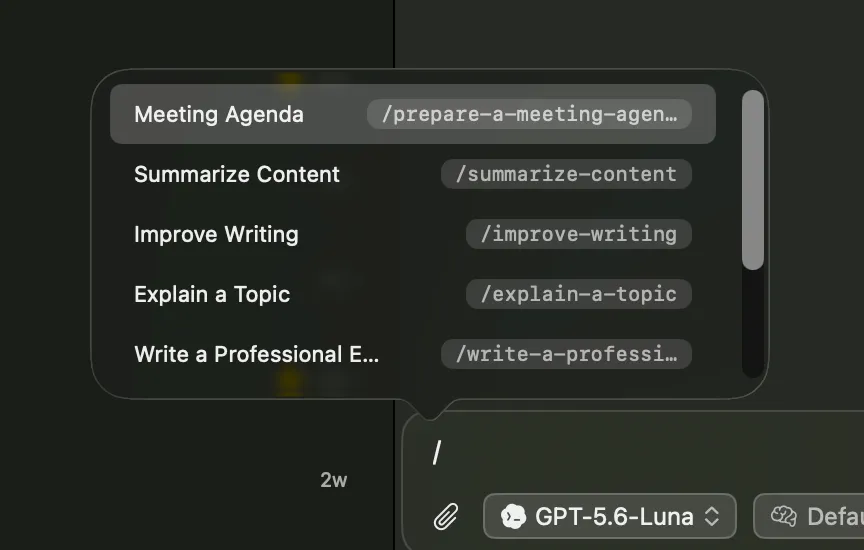
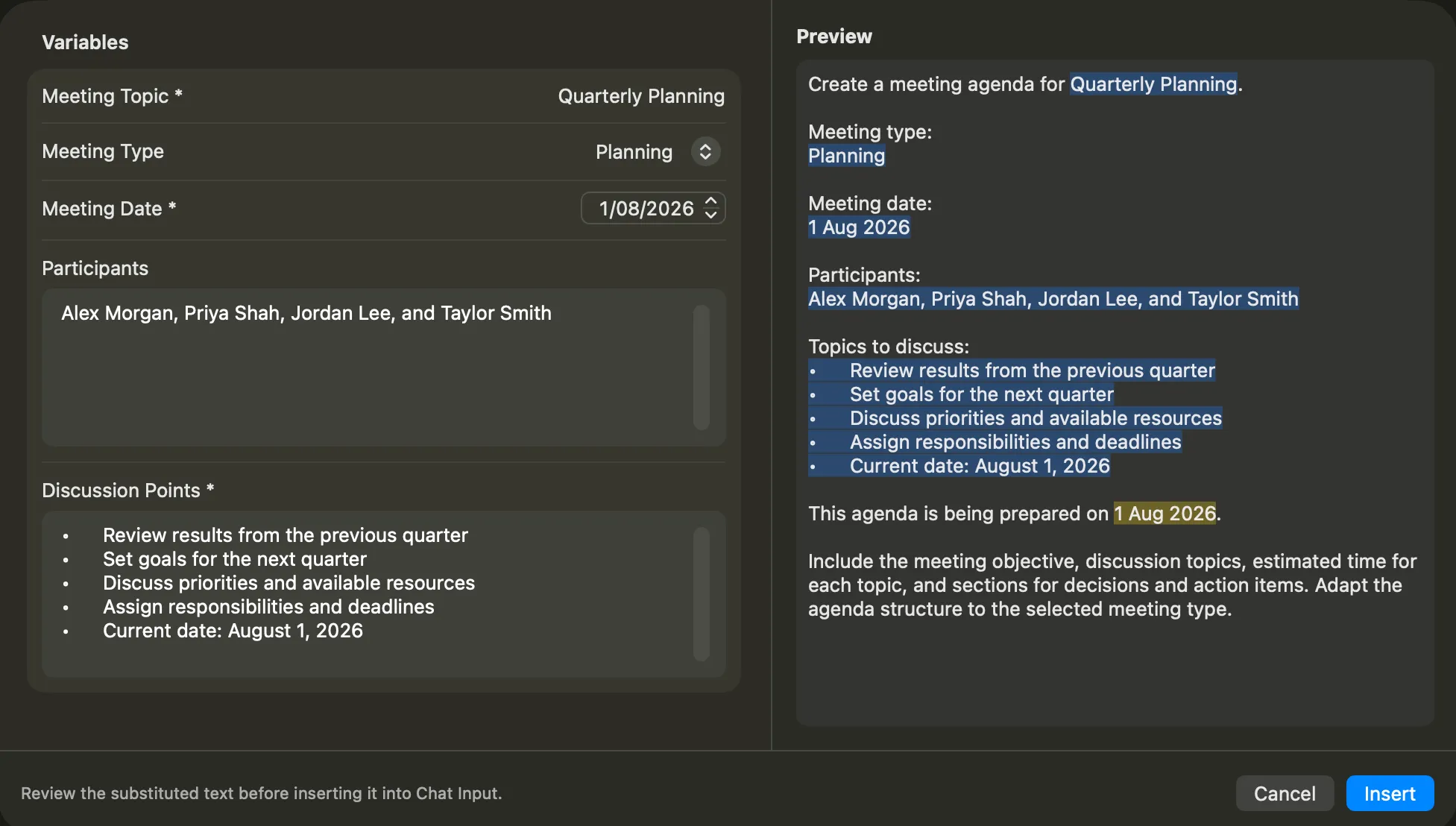
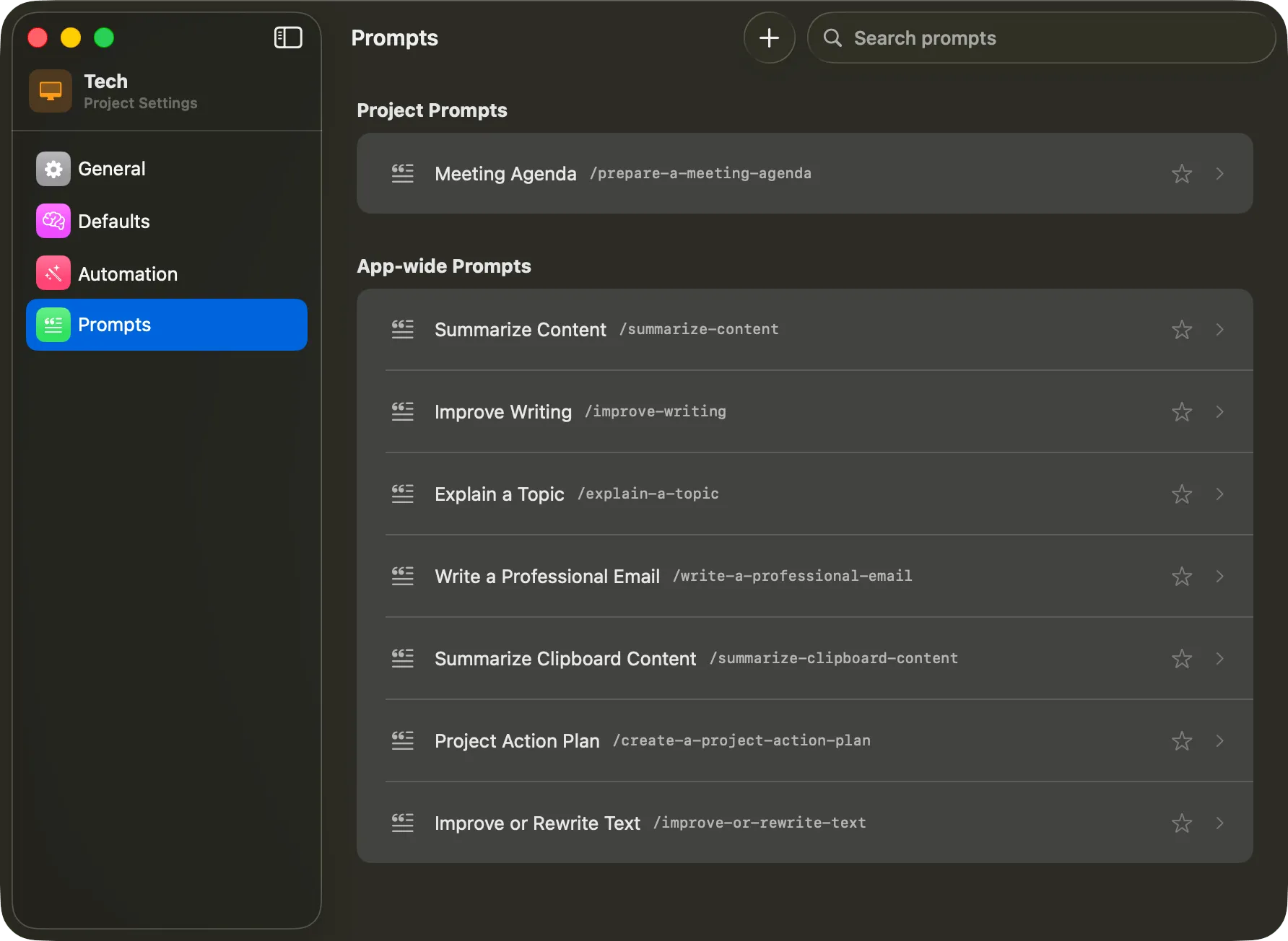
Turn repeated prompts into templates, with placeholders for names, dates, addresses, or anything else that changes.
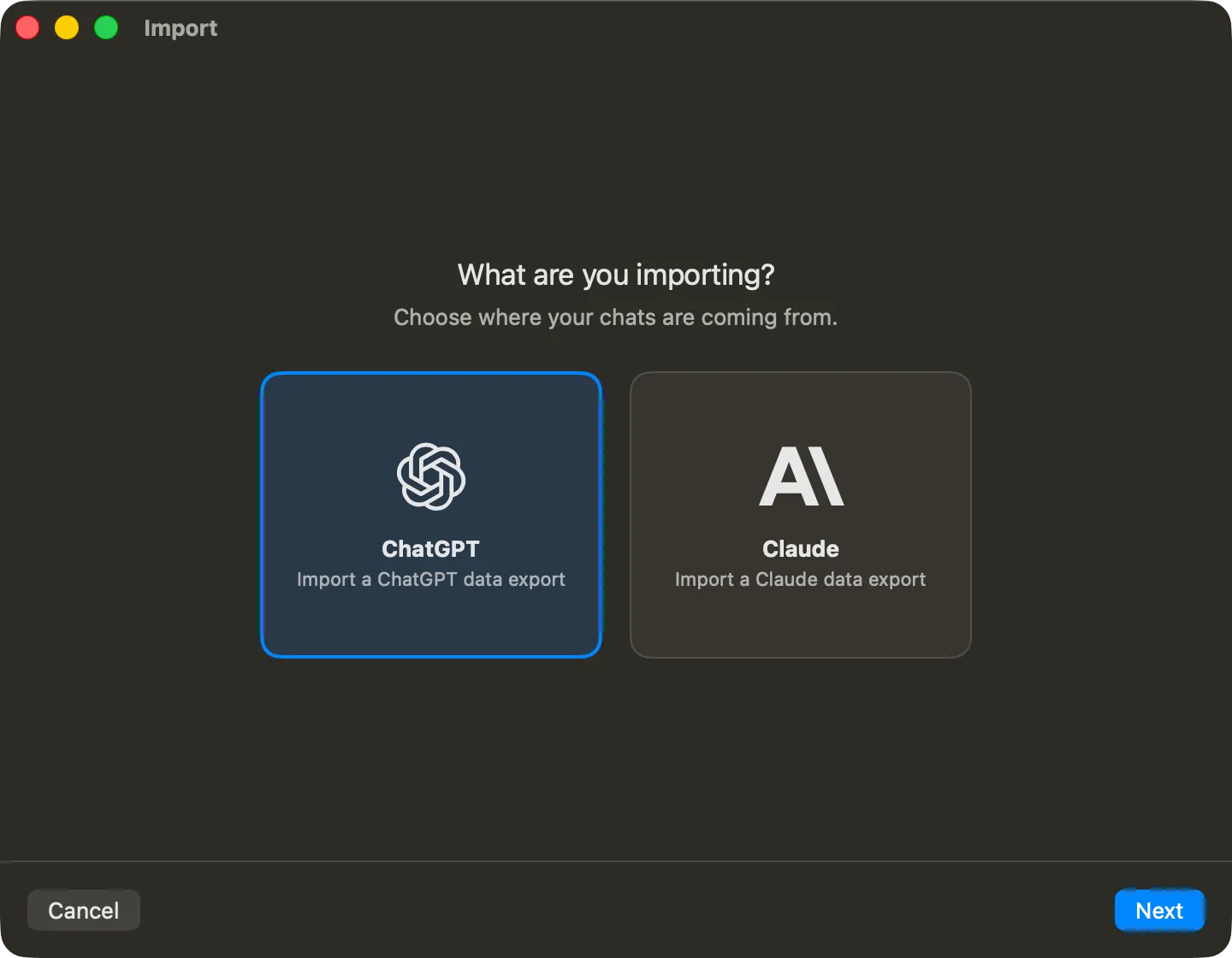
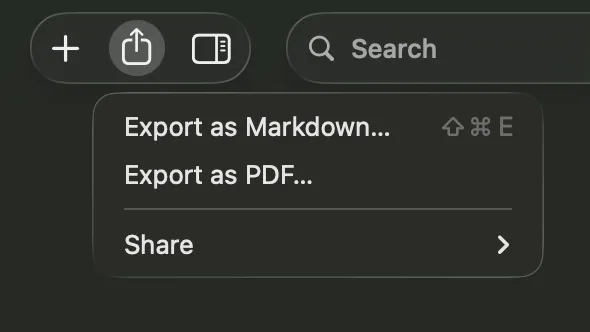
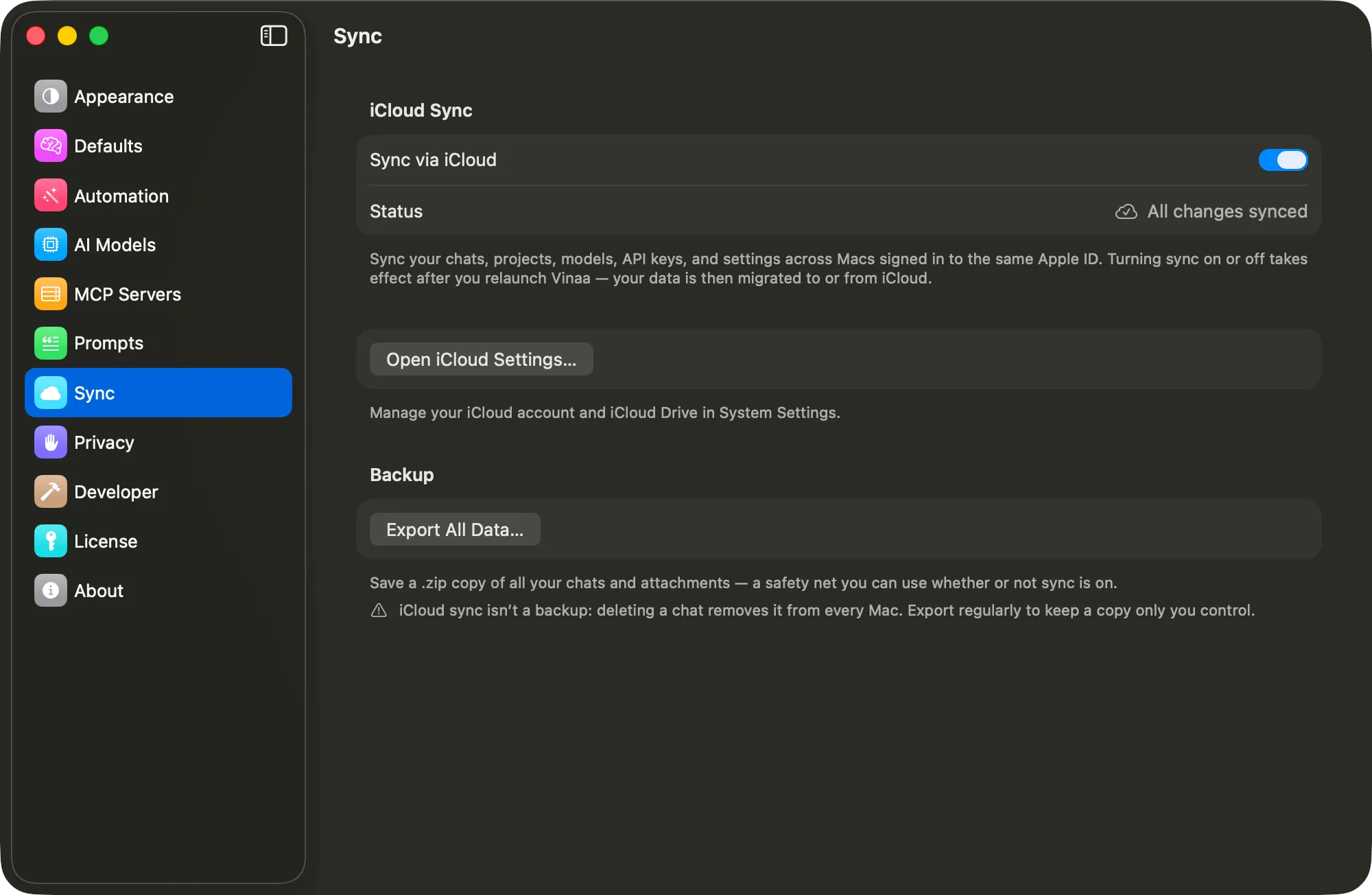
Bring your conversations into Vinaa, keep control of where they live, and take them with you whenever you choose.
More useful features
Change an earlier prompt and send it again.
Search every message across your chats, find exact phrases, and jump to a match.
Keep important chats easy to find.
See which chats have unread responses.
Jump to a project or folder with Option+Cmd+O.
Choose how much time a model should spend thinking.
Press Cmd+F to search a conversation and see its matches in the sidebar.
Hide finished projects and their chats. Restore them whenever you need them.