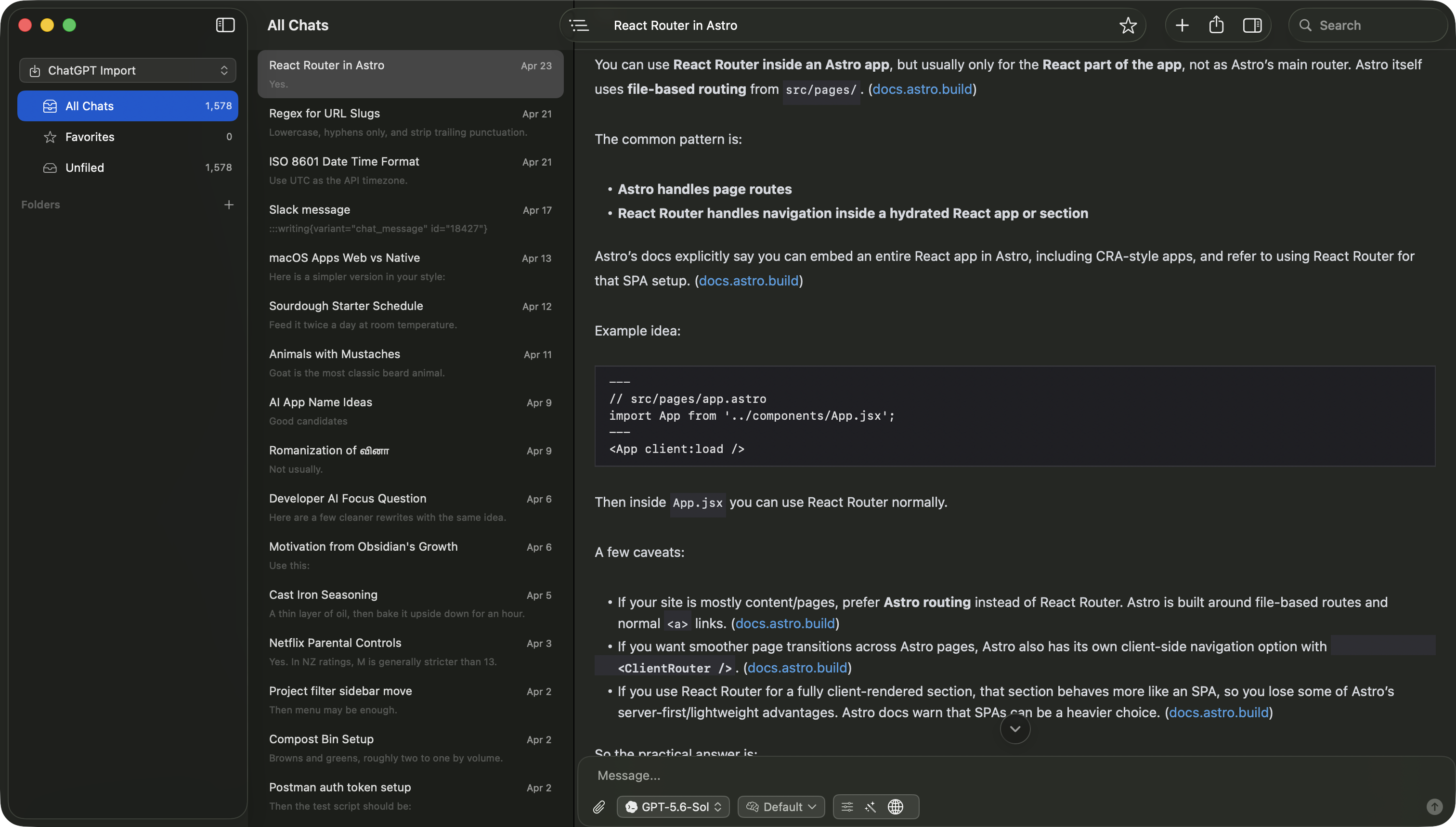
 Vinaa
Vinaa Free, private chat browser
Browse your ChatGPT or Claude export.
Read every conversation, search your history, and open included attachments. Your archive never leaves your device.
Works with official ChatGPT and Claude export ZIP files.
Need more than a reader? Explore Vinaa for Mac.
- Private Never leaves your device.
- Temporary Clears when you close it.
- No setup Open your export and start browsing.
No conversations found.
Choose a conversation to read.
How it works
Open your export in three steps.
- 1Export
Download your data from ChatGPT or Claude.
- 2Open
Choose the ZIP on this page.
- 3Browse
Read, search, and open included attachments.
Need more than a reader?
Bring your chat history into an AI workspace.
Import into Vinaa for Mac, chat with cloud or local models, keep your history locally, and continue any conversation.
This browser
- Open one export
- Browse, search, and open attachments
- Clears when you close the tab
Vinaa for Mac
- Keep all your AI chats together
- Organize them into projects and folders
- Continue with cloud or local AI
- Optionally sync through your private iCloud account
This page does not send the archive to Vinaa. The browser is temporary and local. Vinaa stores imported chats locally, with optional sync through your private iCloud account. Import the ZIP again in the Mac app.